
This menu item is used to configure the settings for the vnc client app.
Figure: VNC Client App
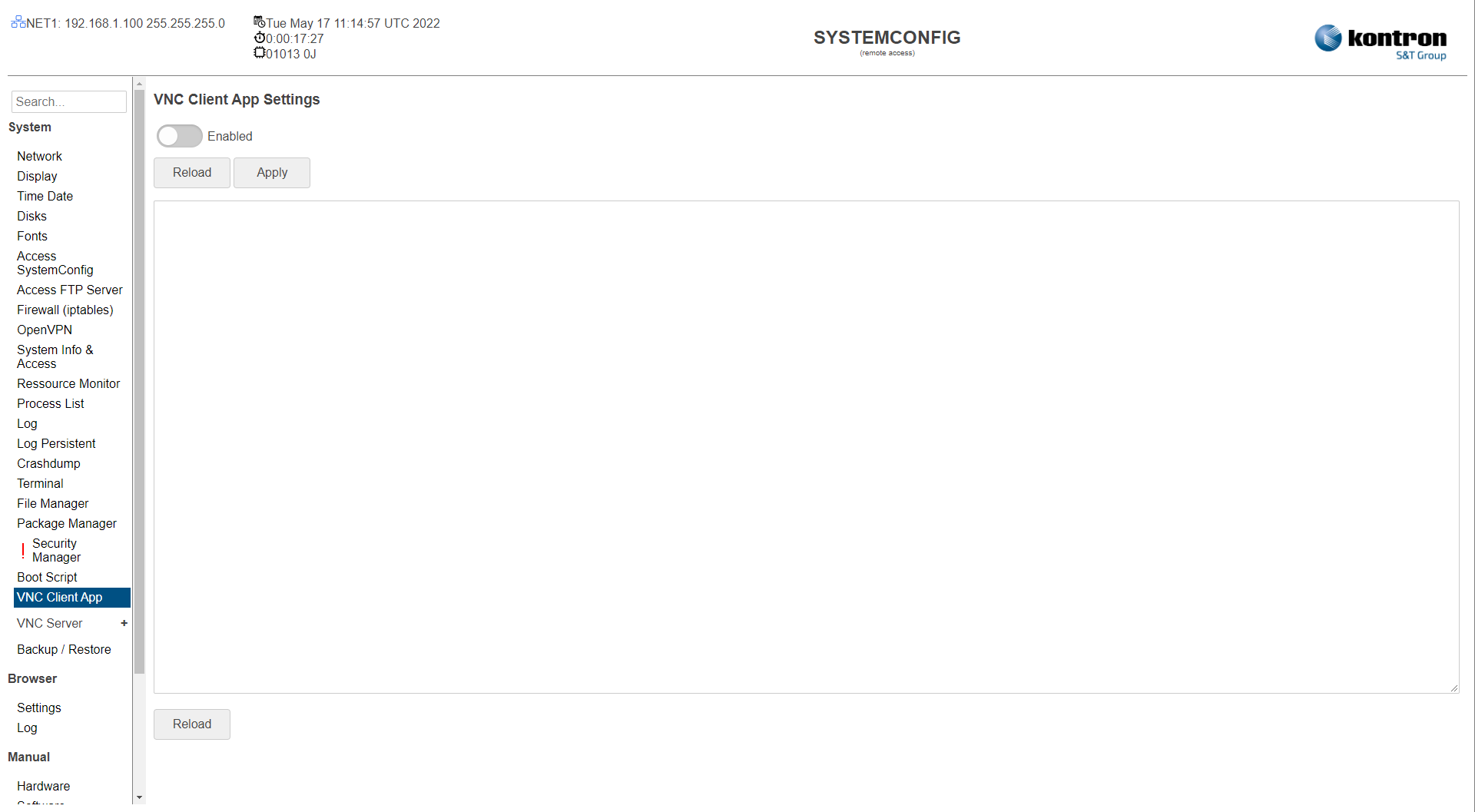
Table: VNC Client App
|
Setting |
Description |
Default |
|---|---|---|
|
Enabled |
Activated: VNC Client App Enabled Deactivated: Function disabled |
Off |
|
ServerIP |
IP to VNC Server |
|
|
Password |
Password of VNC Server |
|
|
Parameters |
App Parameters (see: tigervnc parameters) |
-FullScreen |
|
Log |
VNC App Log |
|
The settings can be saved with the Apply button and directly applied to the system without rebooting or reloaded with the Reload button.