
This menu item is used to configure the settings for "Persistent Logging" to a disc.
Figure: Log Persistent
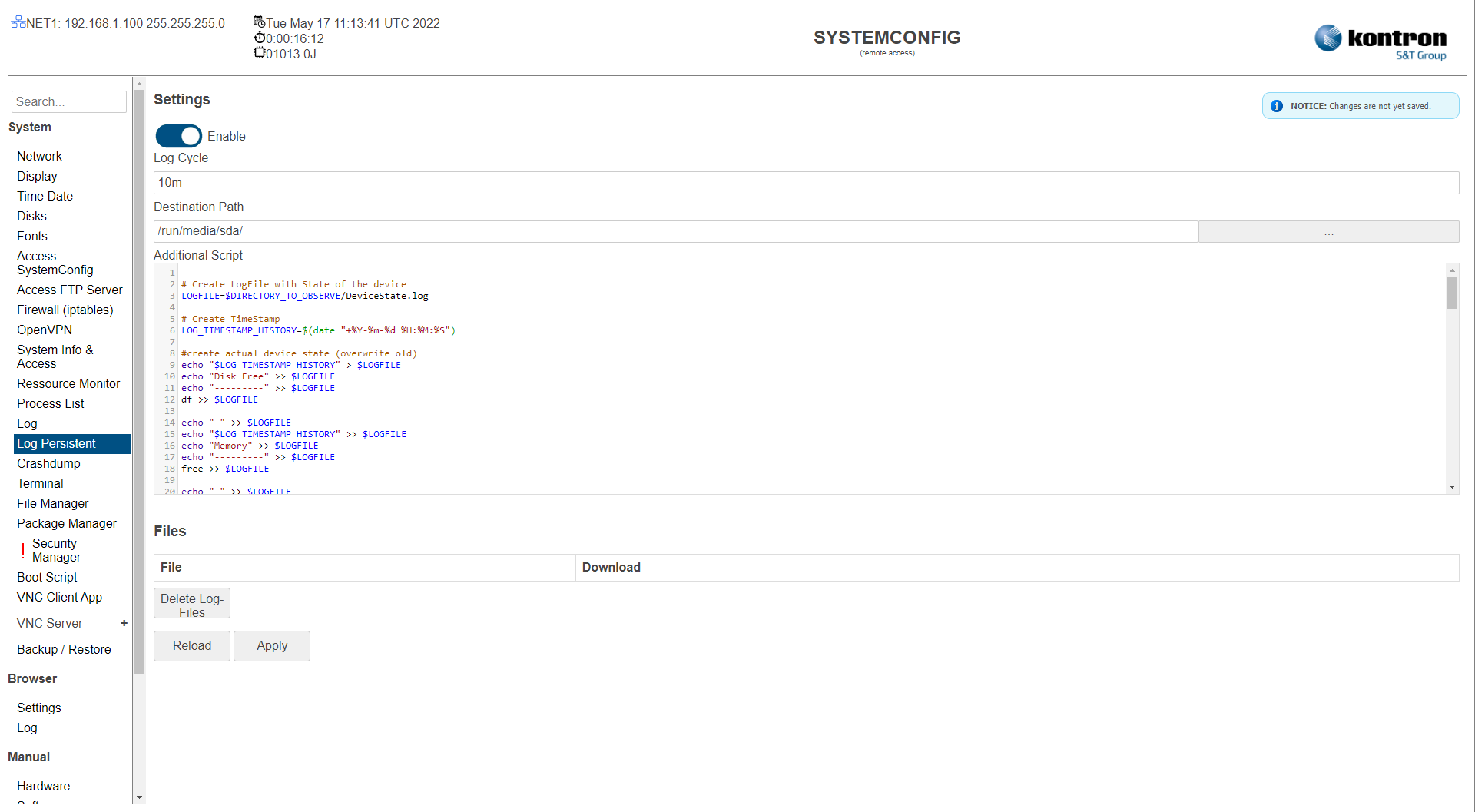
Table: Log Persistent
|
Setting |
Description |
Default |
|---|---|---|
|
Enable |
Activate/deactivate persistent logging |
Off |
|
Log Cycle |
Cycle Time in which the log files are stored and the "Additional Script" is called. |
1 Minute |
|
Destination Path |
Target directory of the log files.
|
/run/media/sda/ (USB Stick) |
|
Additional Script |
Linux script content which is called cyclically. |
|
|
Files |
Available log files in the target directory are listed and can be downloaded. |
|
|
Delete Log-Files |
Delete available log files in target directory. |
|
The settings can be saved with the Apply button and directly applied to the system without rebooting or reloaded with the Reload button.