
This menu item is used to check the security of the active system.
Figure: Security Manager
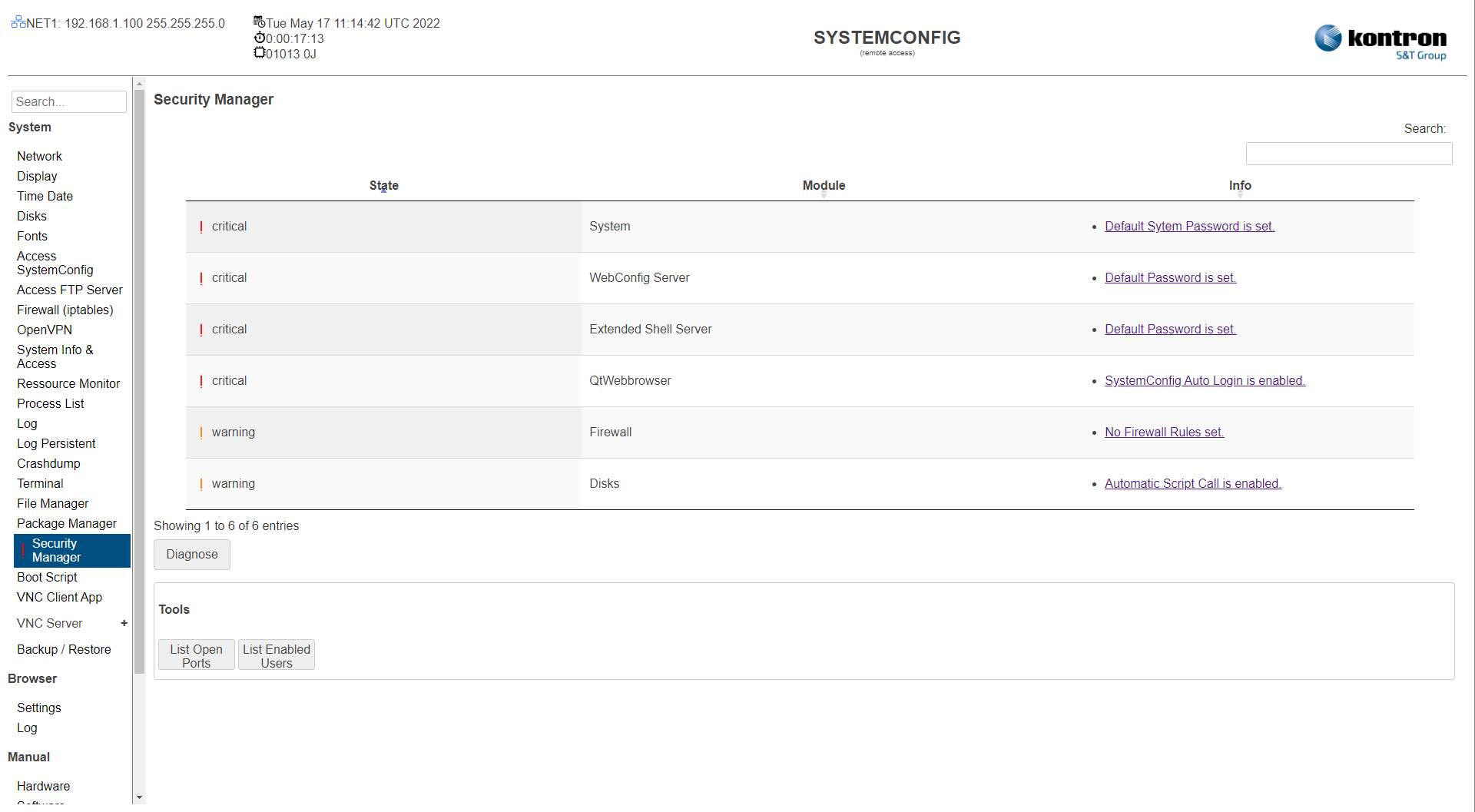
Table: Security Manager
A List of recommended security settings states
|
Setting |
Description |
Default |
|---|---|---|
|
Table |
Shows Module Security States (critical, warning, okay) with additional information. |
|
|
Diagnose |
Starts the Security Diagnose. |
|
Table: System Certificates
A list of used certificates on the device
The listet certificate, are automaticaly monitored. if a certificate becomes invalid or expires, it is automatically updated
|
Setting |
Description |
Default |
|---|---|---|
|
Name |
Name and usage of certificate |
|
|
Validity |
validity info of certificate |
|
|
CMD |
Command Toolset Info: Certificate Infos Download: Donwload Certifcate Update: Update Certifcate manualy |
|
Table: Tools
Basic Toolset for checking remote device access
|
Setting |
Description |
Default |
|---|---|---|
|
List Open Ports |
Shows a list with all opened Ports on the active System. |
|
|
List Enabled Users |
Shows a list with all active system users |
|