
The disc settings define the behavior of connected discs (e.g. USB stick).
Figure: Disks
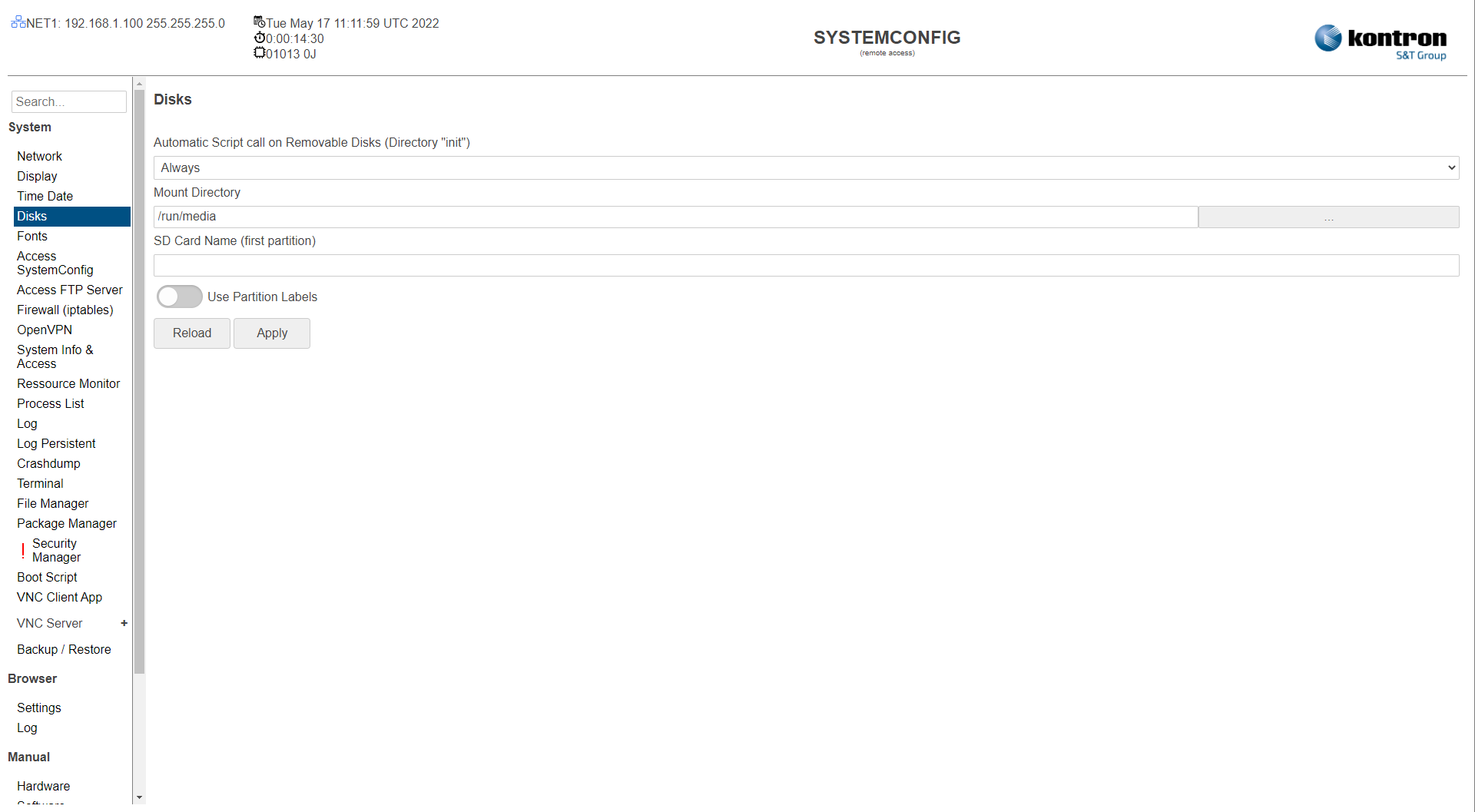
Table: Disks
|
Setting |
Description |
Default |
|---|---|---|
|
Automatic Script call on Removable Disks (Directory "init") |
Disabled: The disc is automatically mounted in the /run/media/DISKNAME directory. Scripts are not executed. Only On Boot: The disk is automatically mounted in the /run/media/DISKNAME directory and all scripts (file extension ".sh" and UNIX format) in the /init subdirectory of the disk are executed while booting the device. Always: The disk is automatically mounted in the /run/media/DISKNAME directory and all scripts (file extension ".sh" and UNIX format) in the /init subdirectory of the disk are executed any time. |
Always |
|
Mount Directory |
Parent directory, where automaticaly the disks are mounted. |
/run/media |
|
SD Card Name (first partition) |
Set default directory name for sdcards. |
|
|
Use Partition Labels |
Enabled: Use Disk labels as directory names. Disabled: Use system disk names (sda, sdb, sdc, ..) as directory names. |
Disabled |
The settings can be saved with the Apply button and directly applied to the system without rebooting or reloaded with the Reload button.