
The system version information is displayed here. In addition, the system access for the Linux operating system can be configured here.
Figure: System Info & Access
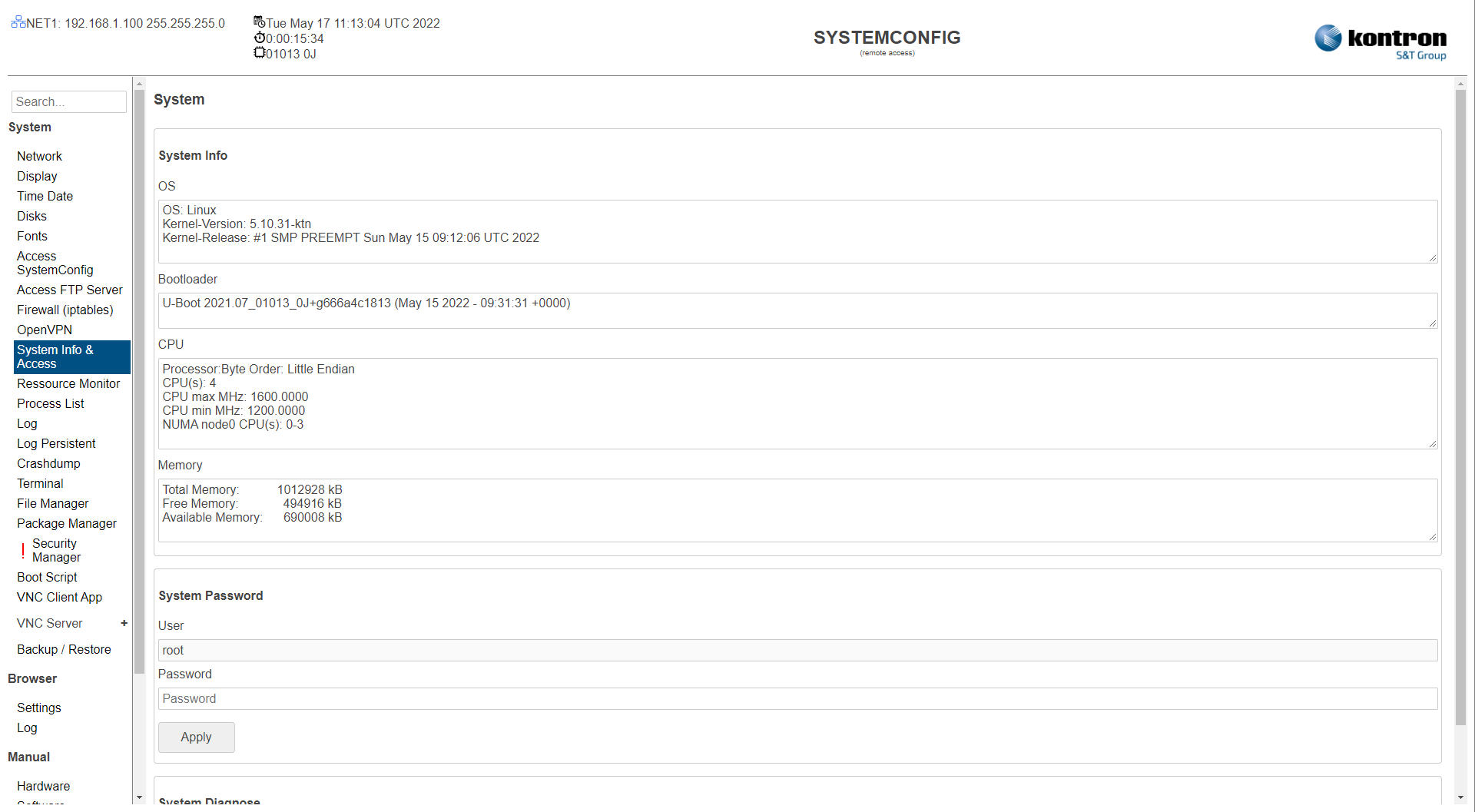
Table: System Info
|
Setting |
Description |
Default |
|---|---|---|
|
Image Info |
Image Version and Name |
|
|
OS Info |
Operating System Information |
|
|
Bootloader Info |
Bootloader Information |
|
|
CPU Info |
Processor Information |
|
|
Memory Info |
Memory Information |
|
Table: System Password
|
Setting |
Description |
Default |
|---|---|---|
|
System Password User |
Linux System User Name ("root") |
root |
|
System Password Password |
Linux System User Password |
root |
Table: System Board Settings
|
Setting |
Description |
Default |
|---|---|---|
|
Enable Auto DTB Detect |
Enable Hardware Autodetect für Board Config File |
enabled |
|
DTB File |
Selectable device type |
|
|
Apply |
Apply DTB Settings. |
|
|
Boot Devices |
Selectable boot devices type |
sdcard usb ubi emmc |
|
Apply |
Apply Boot Devices Settings. |
|
Table: System Diagnose
|
Setting |
Description |
Default |
|---|---|---|
|
System Diagnose |
Performs a system diagnosis and makes it available for download |
|
The settings can be saved with the Apply button and directly applied to the system without rebooting or reloaded with the Reload button.