
The display and display settings are made under this menu item.
Figure: Display
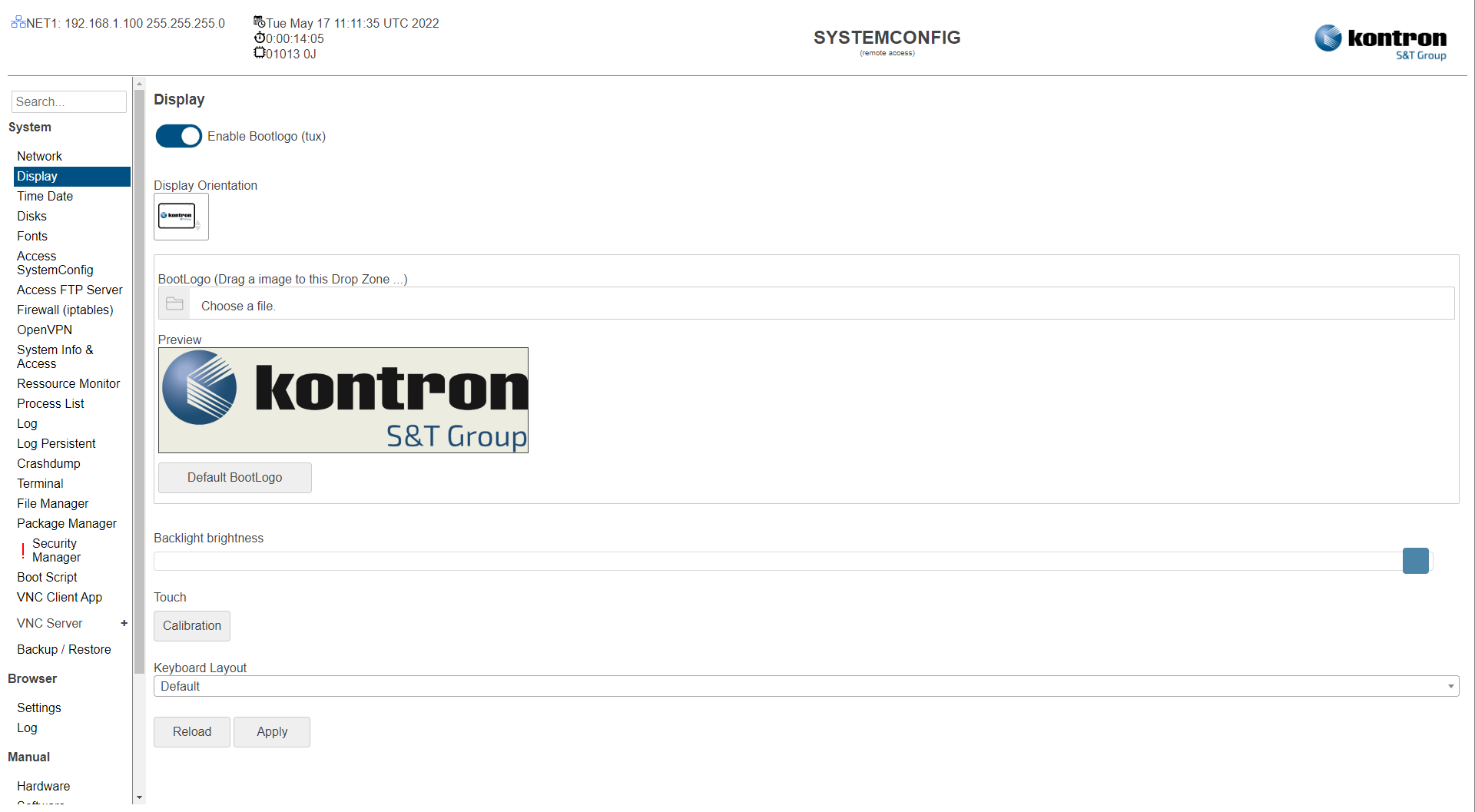
Table: Display
|
Setting |
Description |
Default |
|---|---|---|
|
Enable Bootlogo (tux) |
Enabled: Show tux while booting. Disabled: Hide tux while booting. |
Disabled |
|
Display Orientation |
Portrait or landscape display. |
Landscape |
|
BootLogo |
Picture shown during the booting process. |
Kontron logo |
|
Default BootLogo |
Remove configured Bootlogo and set Default Logo |
|
|
Backlight |
The intensity of the backlight when the device is started. |
Full backlight |
|
Calibration |
Perform touch calibration. |
|
|
Keyboard Layout |
Layout of a connected USB keyboard |
Default (US) |
The settings can be saved with the Apply button and directly applied to the system without rebooting or reloaded with the Reload button.