
The joystick element can be used to operate as a software joystick.
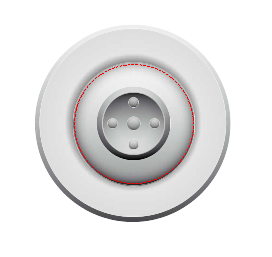
Parameters
|
Property |
Description |
|---|---|
|
Hintergrund |
Wallpaper. |
|
Transparenz |
If activated, the color specified in the 'Transparent color' property (see below) is displayed transparently. |
|
Transparenzfarbe |
The button opens the color selection dialog for selecting a color that should be displayed transparent if the option "Transparent" (see above) is activated. |
|
Skalierung |
Definition of how the image file should react to changes in the element frame size. ISOTROPIC: The image retains its proportions, i.e. the height-width ratio is maintained even if the height and width of the element frame are changed separately. ANISOTROPIC: The image adapts to the size of the element frame, i.e. height and width can be changed independently. FIXED: The image keeps its original size even if the size of the element frame changes. |
|
X-Wert |
Variable for X axis Value (0..100) |
|
Y-Wert |
Variable for Y axis Value (0..100) |
|
RadiusInElemModeEllipse |
Radius of the area when the Ellipse mode is selected. |
|
Mauseingabe ausserhalb ignorieren |
Outside the element, release the button. |
|
|
|
Remarks